
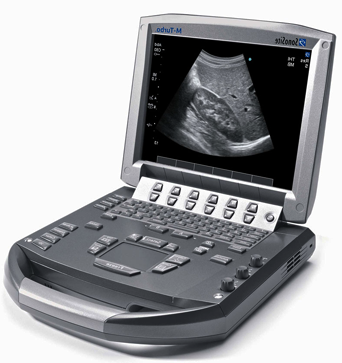
Start with the examinations your team needs, then compare image quality, the room, and the support package. A low equipment price can change quickly when a detector, probe, software license, or installation is missing.
Photos show example models. Your clinical and technical teams should approve the exact equipment and its current support.
Jump to equipment +
Ultrasound systems
Choose probes for your examinations first. Probe condition, software compatibility, and replacement cost can change which system offers better value.
How it works & what to compare
The basics
Ultrasound uses sound waves to create images. The probe is the part placed against the patient; different probes suit different examinations, so the machine and probe need to be chosen together.
Before you buy
- List each required transducer, its exact part number, compatible software, and replacement price. A connector that fits does not establish compatibility.
- Ask for images from the offered unit and a documented probe inspection. Review the cable, lens, connector, and image uniformity with a qualified technician.
- Check battery condition, image export, DICOM options, and approved cleaning products. For a handheld, verify account transfer and ongoing membership terms.
Budget for the whole package. Price the machine, every probe, software, cart, battery replacement, and reprocessing supplies together. Compare three-year ownership cost using the same examination requirements.
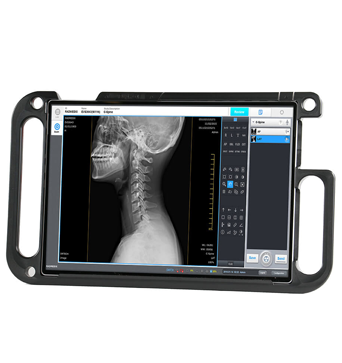
Digital X-ray systems
Compare the complete installed system: generator, detector, workstation, software, and room preparation. A detector-only price is not a complete X-ray quote.
How it works & what to compare
The basics
Digital radiography uses X-rays and a detector to produce an image. The detector captures it, while a workstation displays and stores it. A detector alone is only one part of the system.
Before you buy
- Match the detector size and generator specification to the examinations your radiology team has approved. Ask whether a grid, stand, table, or detector holder is included.
- Request detector condition and calibration records, battery and charger details, and replacement coverage. Ask specifically how accidental damage is handled.
- Have the installation team review electrical supply, shielding, delivery access, networking, and local acceptance requirements before freight is booked.
Budget for the whole package. Separate detector and tube coverage from the general warranty. Include PACS connections, software rights, image storage, installation, and training in the written scope.
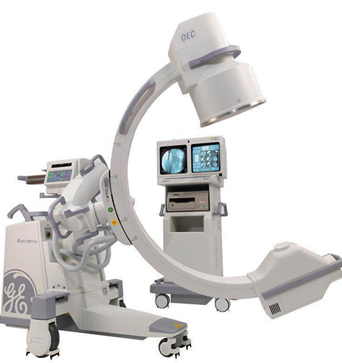
Full-size and mini C-arms
Start with procedure coverage and positioning clearance. Compare the detector, licensed imaging functions, and service package on the exact unit.
How it works & what to compare
The basics
A C-arm is a mobile X-ray imaging system built around a curved arm. It lets the team position the X-ray source and detector around the patient during a procedure. Full-size and mini systems have different intended uses.
Before you buy
- Arrange a demonstration with the intended table and representative positioning. Confirm clearance, movement, brakes, and access around the patient area.
- Identify the licensed imaging options, software version, image export, footswitch, and accessories in the offered configuration.
- Request documented image-quality and equipment checks, service history, and a plan for specialist installation and local acceptance.
Budget for the whole package. Compare the supported procedure package and warranty exclusions, not just the model year. Include detector or image-intensifier repairs, tube support, freight, and engineer travel.
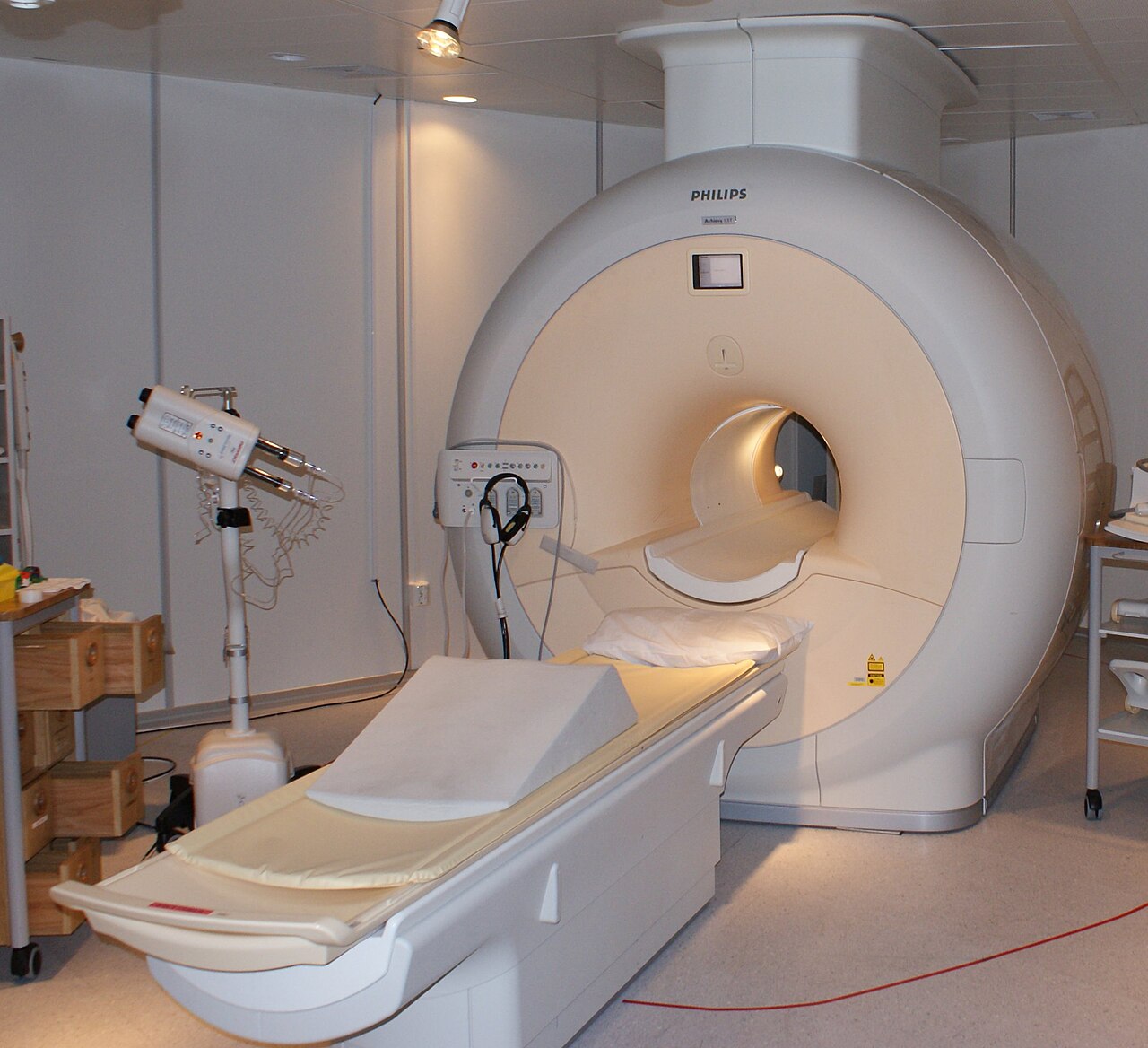
CT and MRI projects
Price the installed scanner and ongoing service together. Tube history, MRI coils, software rights, and site work can change the comparison.
How it works & what to compare
The basics
CT uses X-rays to create cross-sectional images. MRI uses a strong magnetic field and radio waves. They answer different clinical questions and need different room, safety, and service arrangements.
Before you buy
- Require a site assessment covering delivery access, floor loading, power, cooling, shielding, networking, and any magnet-specific infrastructure.
- Obtain serial numbers, service records, transferable software rights, and a complete accessory list. Request a specialist review of the offered system.
- Assign responsibility for deinstallation, rigging, freight, reinstallation, commissioning, acceptance, and training. Establish who supports the site after handover.
Budget for the whole package. Compare the complete installed project and ongoing service cost. Manufacturer refurbishment programs illustrate how coverage can be bundled; their terms do not automatically apply to an independent seller’s unit.
Your quote checklist
- Required examinations and expected workload
- Exact probes, detectors, coils, software, and accessories
- Site assessment and written installation scope
- Unit-specific records and written service terms
References reviewed October 2, 2026.